
Download code
NAYRA-4F7K-9M2X
Your client downloads their photos in full resolution, with no watermark.
Deliver galleries, get your client's picks back, and schedule your sessions from one place.
Built for photographers who get paid by bank transfer, cash and partial payments — not just by card.
Client gallery
Family session · delivered today
25 photos




5/25 picked
Automatic watermark
Download code
NAYRA-4F7K-9M2X
Your client downloads their photos in full resolution, with no watermark.
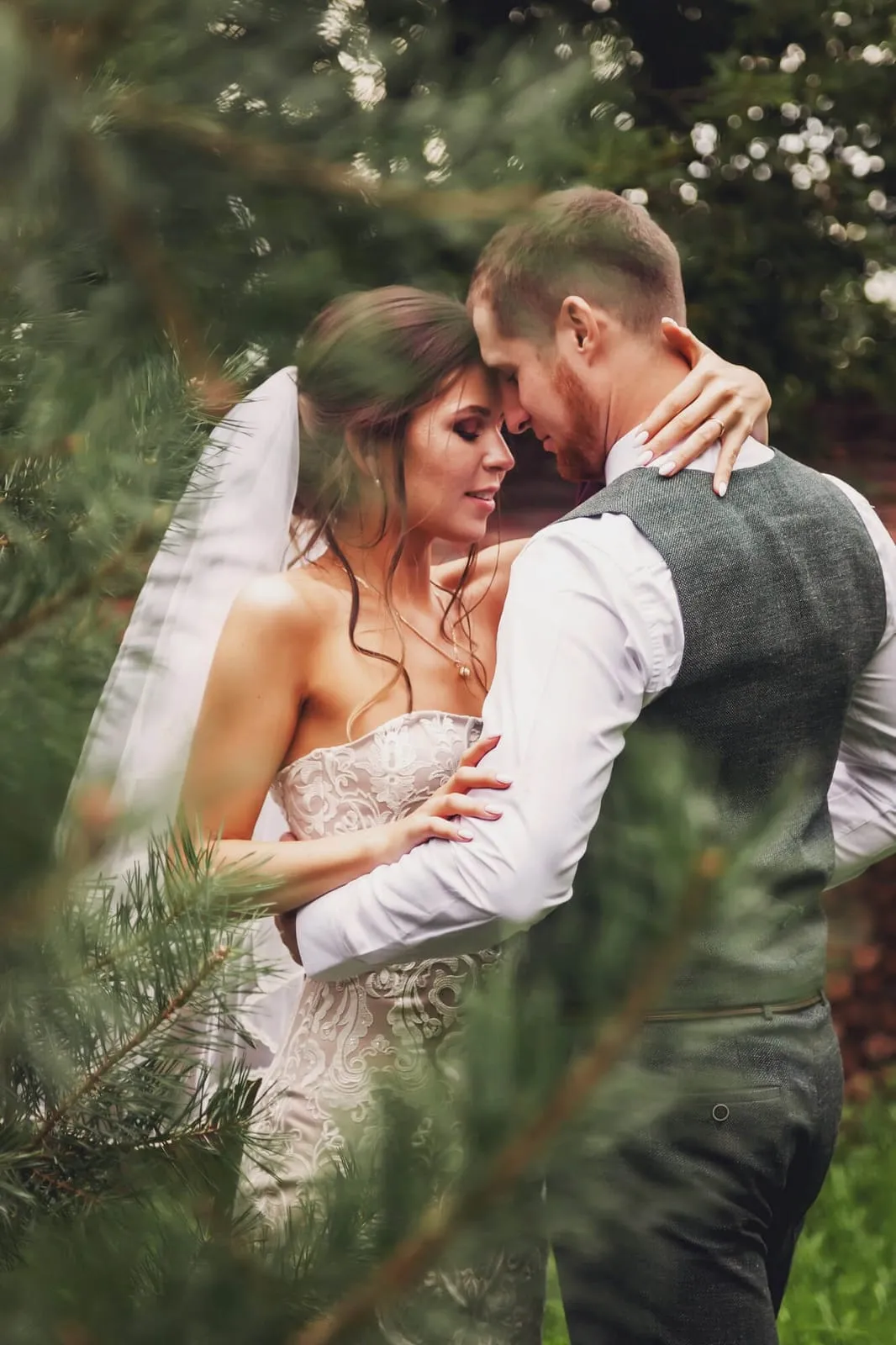
Rivera Studio
Your client picks their favorites from their phone.
Every preview carries your studio's name. The clean original is only released with a code.
You pay for your plan and that's it. Nayra doesn't take a cut of what you charge.
A way of charging that understands bank transfers, cash and partial payments — not just the credit card.
This is Nayra at work: the gallery your client opens and the panel you deliver it from. What you see here is what you use from day one.
Upload the session and share a private link. Nayra protects every preview with your studio's name, and your client marks their favorites from their phone.
Family session
Your studio
5/25 picked
Send selectionPick a template, a background and your accent color, and see it live before you save. Your logo takes the gallery's top bar. Set it once and every new gallery comes out that way; if one session calls for something else, change it on that one alone.
Gallery appearance
Live previewYour studio
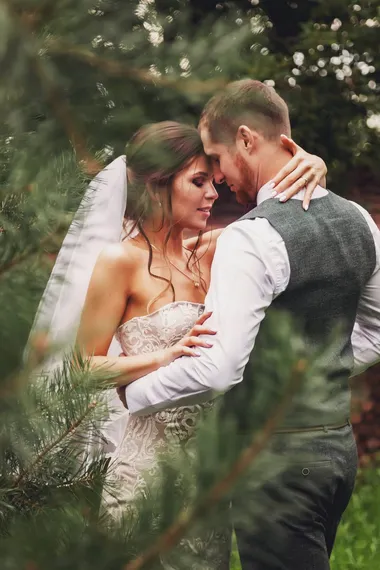
Family session




Classic · White
Your studio

Family session
Editorial · Ivory
Your studio
Family session
Minimal · Dark
Accent color
Upload the RAW files straight from the camera. Nayra renders a watermarked proof of each one, your client marks their favorites, and you download only the selected RAW files to edit. The finals match themselves to each RAW by file name.
Family session
Your studio
 DSC_0147.NEF
 DSC_0152.NEF
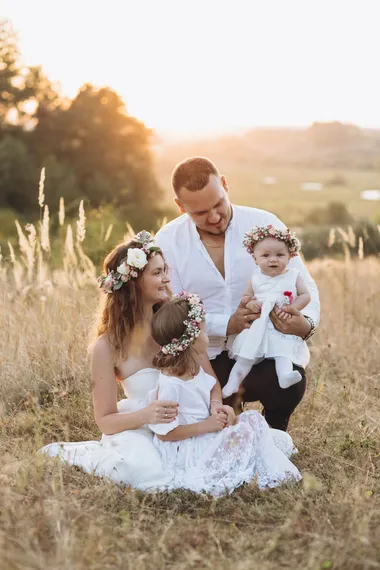 DSC_0163.NEF
 DSC_0170.NEF
 DSC_0176.NEF
 DSC_0181.NEF
3/6 RAW files picked
Selection sent · you're notified right away
RAW files delete themselves 30 days after delivery. Proofs and finals stay.
You generate a download code and your client redeems their originals without the watermark. You decide how many uses it has and when it expires.
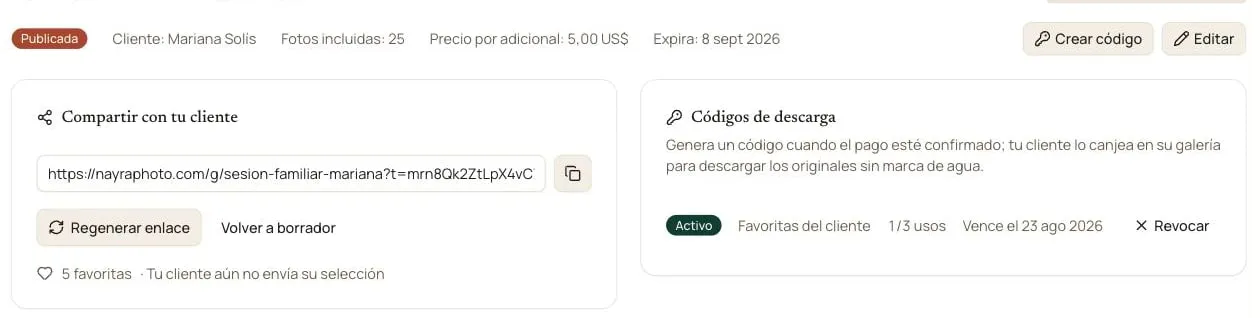
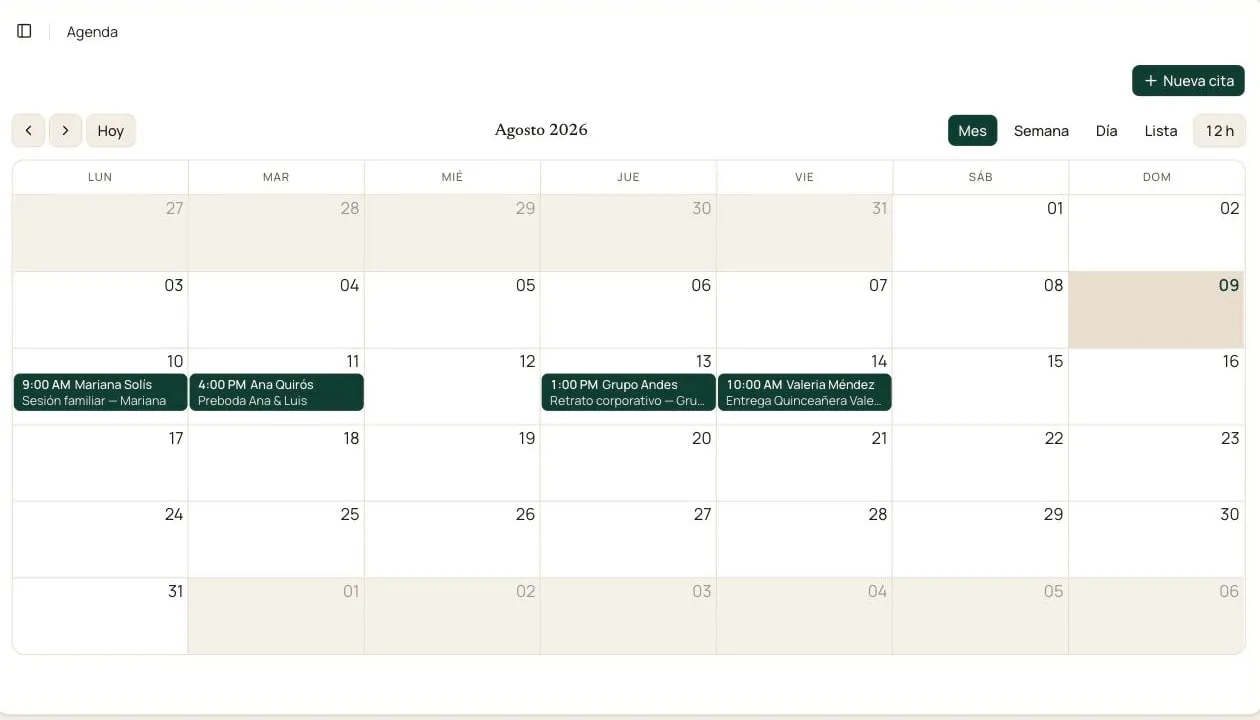
Log every session with client, place and time. Nayra sends the reminder the day before so nobody shows up late or forgets.
This is how a gallery of already-edited photos goes, the usual workflow: no loose links, no unprotected photos. If you shoot RAW and would rather have your client pick before you edit, both workflows are laid out step by step right below.
Drag in the session's photos. Nayra builds the private gallery and applies the watermark automatically.
Share the link: your client reviews and marks their favorites from their phone, with nothing to install.
Once the payment is confirmed, you generate a download code and send it to your client in one click.
With the code, your client downloads their final photos in full resolution, clean and ready to share.
Two workflows
Both deliveries share the same pieces — the private gallery with your brand, the selection with notes, the notifications and the download code. What changes is what you upload and when you edit. You choose the workflow when you create each gallery.
For sessions you've already edited: deliver fast, and your client picks and downloads.
Upload the final photos
Edited JPG, PNG or WebP. Nayra generates the watermarked thumbnails.
Publish and share the link
Your client opens the link or enters the access code in the app.
Your client picks their favorites
They mark the ones they want, leave notes and send the selection. You're notified right away.
Create a download code
With it your client downloads the selected photos (or all of them) in full resolution.
So you don't edit 800 photos when your client only wants 40: you edit only what they chose.
Upload the RAW files
Straight from the camera. Nayra renders a watermarked proof of each one; the RAW file is never exposed.
Publish and share the link
Your client sees only the proofs, on the web or in the app.
Your client picks their favorites
They mark the ones they want, leave notes and send the selection. You're notified right away.
Download only the picked RAW files
A .zip with the selected files, or copy the file names to filter in Lightroom or Capture One.
Edit and upload the finals
They match each RAW file by name on their own; anything that doesn't match you assign by hand.
Create a download code
Your client downloads the finals only. RAW files delete themselves 30 days after delivery.
Both workflows live in the same account and the same gallery list: you can deliver a wedding from RAW and a studio session from the finals, each down its own path.
No sales commission and no contracts. Start with what's already built: what's on the way turns on in your plan at no extra cost.
To try Nayra on your next session.
$0
Forever
For the photographer delivering every week.
$12
USD/month · $10 billed annually
The whole business, moving.
$29
USD/month · $24 billed annually
Prices in USD. Benefits marked Coming soon turn on in your plan as they're ready.
See all plansTwenty minutes on a video call with the people building Nayra, starting from how you work. It's free, you don't need an account and we won't ask for a card.
Monday to Friday, in Spanish or Portuguese.
We're building the rest of the business. As each piece is ready it shows up in your account, at the price you already pay.
Finance already tracks the balance on every session. What's coming is the automatic WhatsApp reminder, so chasing a payment isn't something you have to write yourself.
Coming soonYour clients book from your website and get an automatic confirmation over WhatsApp. You just show up to the session.
Coming soonAn AI assistant that answers your clients, confirms bookings and follows up — in your name and your tone, not like a generic chatbot.
Coming soonCreate your account and publish your first gallery today. No credit card.


